1. Open the "QR Codes" module.

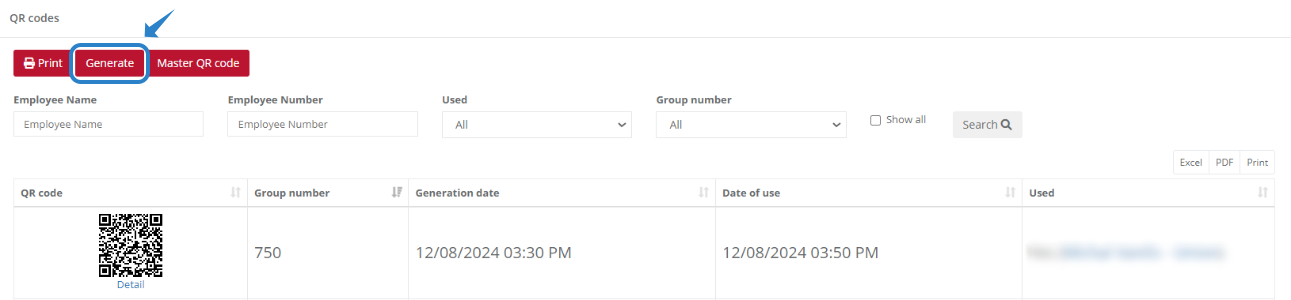
2. To generate a new QR code, click the "Generate" button.
3. In the displayed window, specify how many QR codes you want to generate and click "OK". 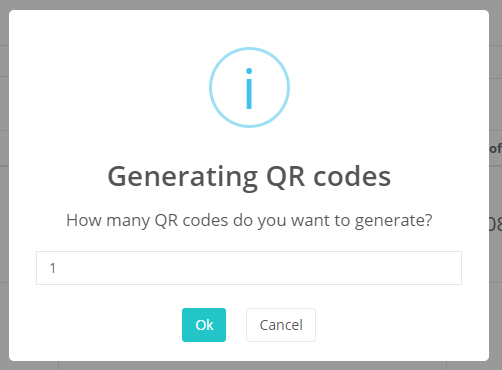
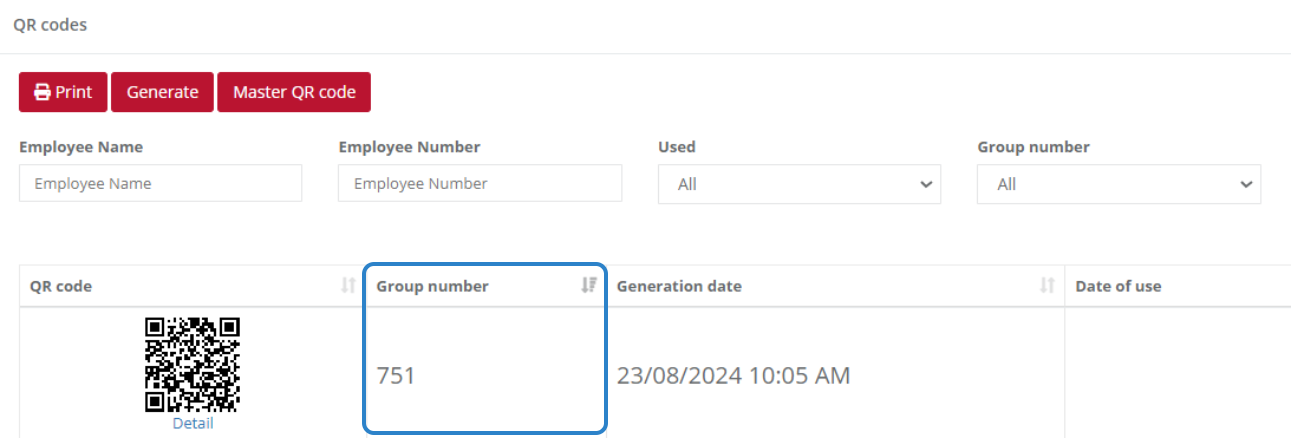
4. In the QR code list, your newly generated QR code will appear as the last entry. The group number indicates the order in which the QR code was generated.
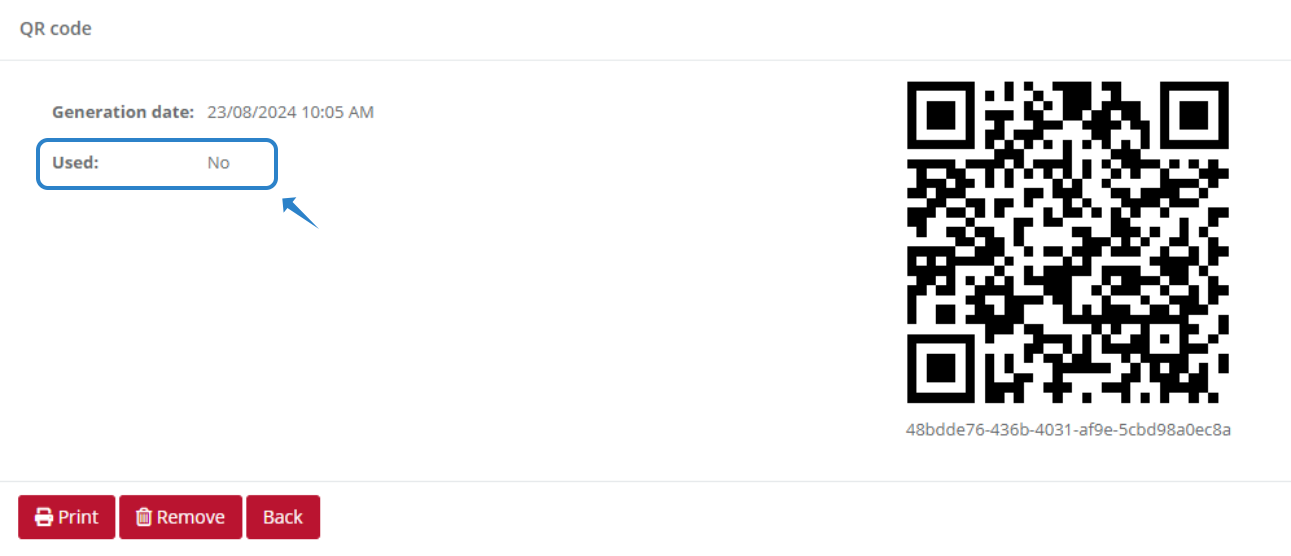
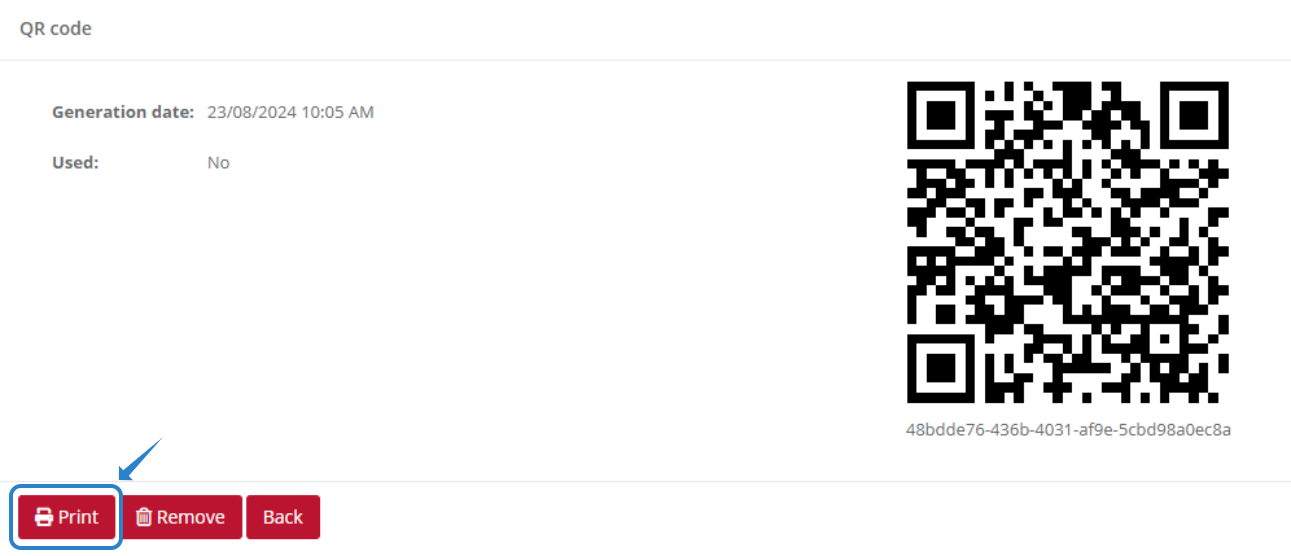
5. To view a QR code in detail, click on it in the list of your generated QR codes.
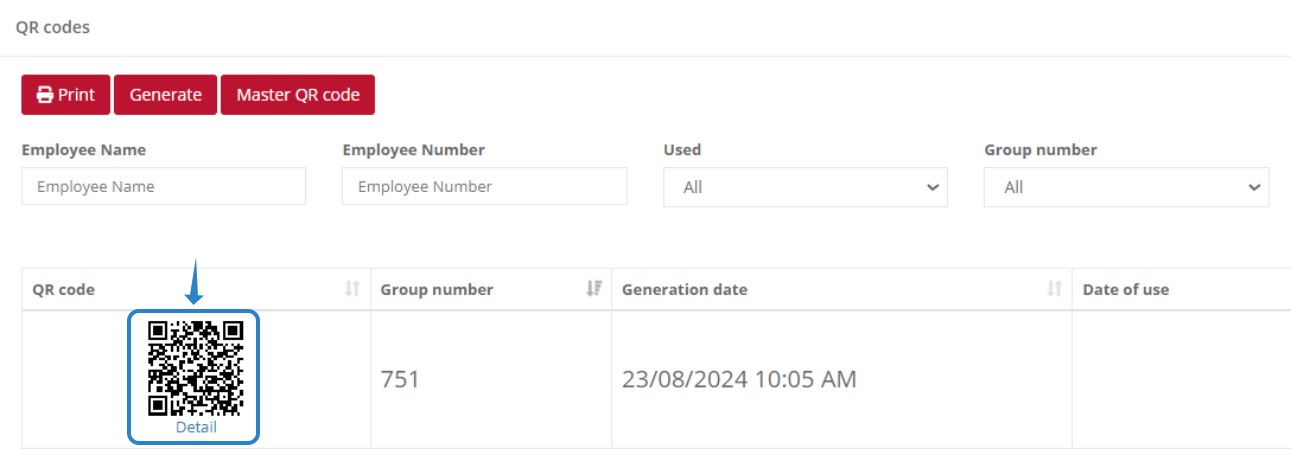
In the detail view, you can see whether your QR code has been used or not.
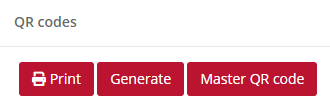
6. If you want to print all the QR codes that have not yet been used, click the "Print" button.
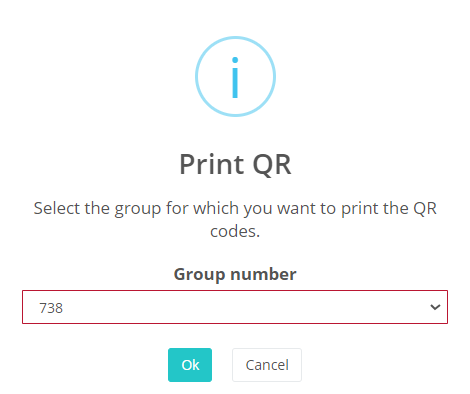
Select the group of generated QR codes that you want to print and click the "OK" button.
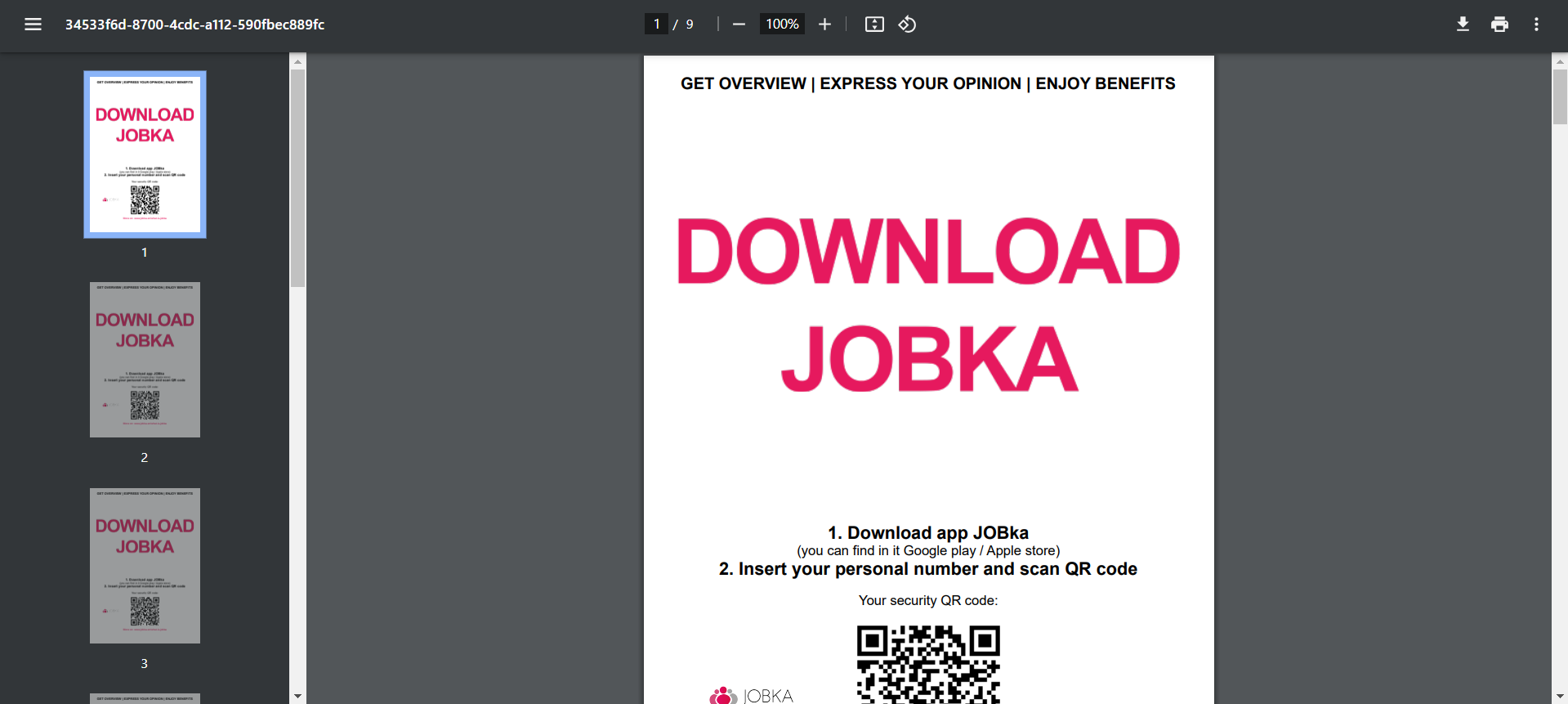
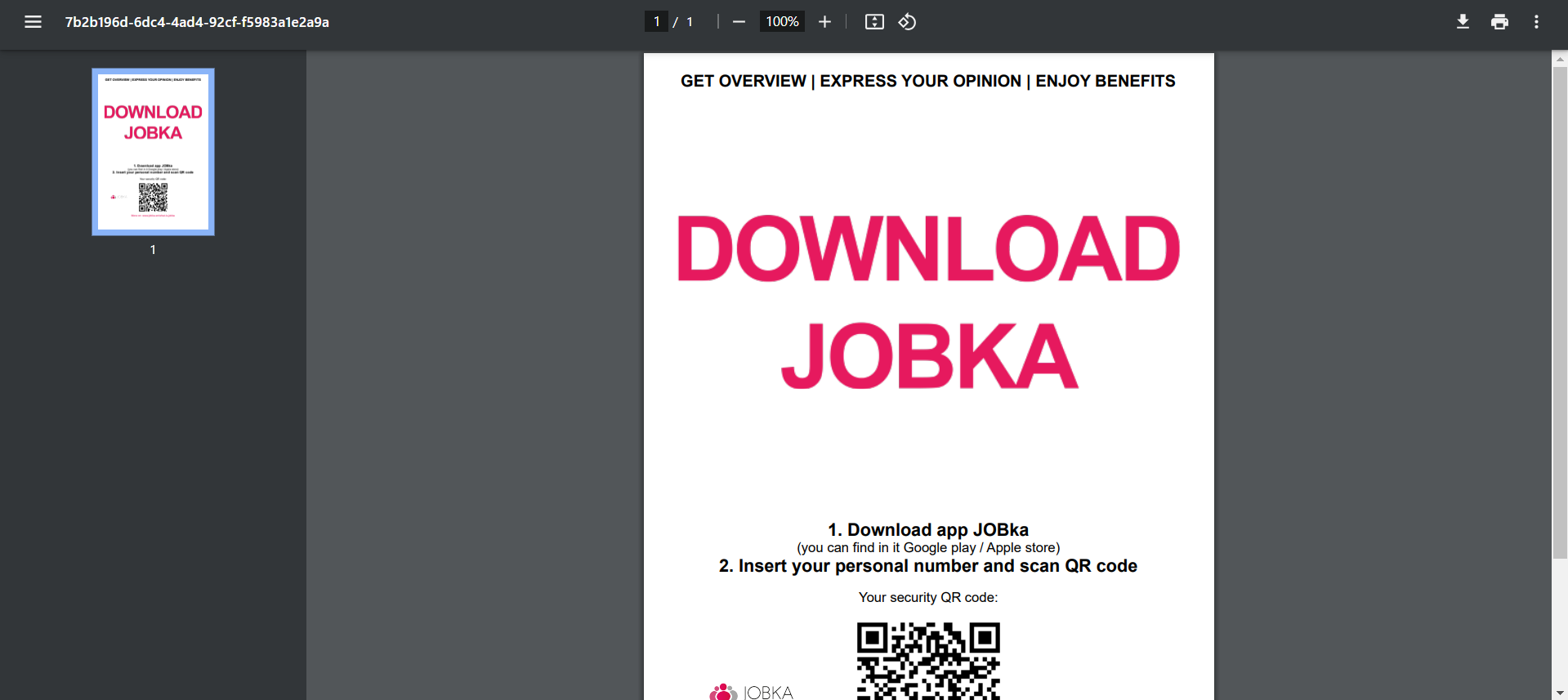
Then simply click the "Download" button.

A PDF document will be downloaded, which you can then print.
Was this article helpful?
That’s Great!
Thank you for your feedback
Sorry! We couldn't be helpful
Thank you for your feedback
Feedback sent
We appreciate your effort and will try to fix the article